
Cartoon Mini Racing
Description
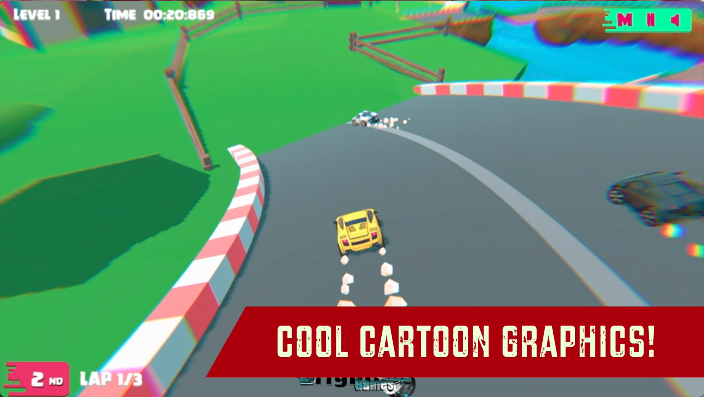
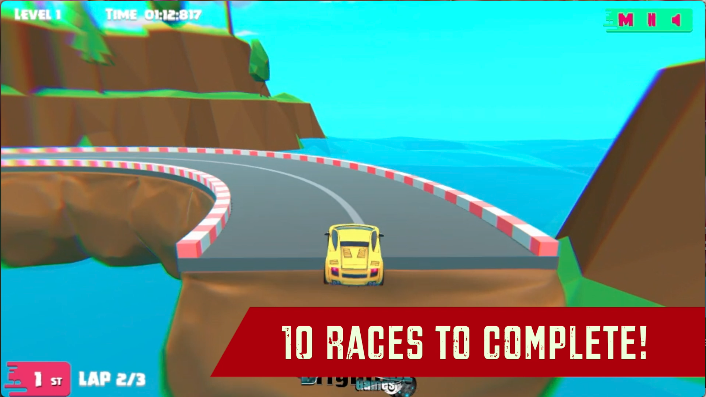
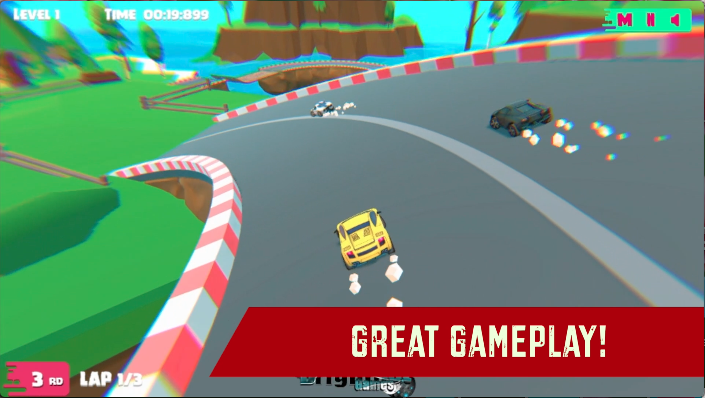
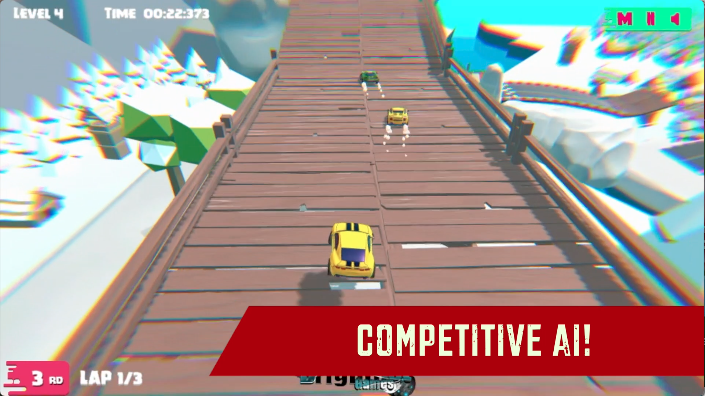
Get behind the wheels of the fastest toon supercars and dodge all your opponents out of the track to take the lead in this toon 3d racing simulator. Drive in 10 stunning racecourses located in cool exotic locations like deserts, snowy mountains, and far-east spring tracks. Unlock up to 20 cool toon cars based on real-life car models we all love. Go head to head with your friend in the 2-Player Mode and see who the better driver is. Are you ready to skid your way through the most challenging race courses and get that gold? Prove yourself with Cartoon Mini Racing!

Our Take On The Game!
Cartoon Mini Racing is a great racing simulator and might be the closest game we have to Super Mario Kart on the web. However, we feel there should’ve been an upgrade and customization system for the cars with the nitro system. Either way, the cars completely match the race environment and don’t look out of place.
Talking about racing games, check out our favorite Real Cars Extreme Racing on MotorHeads.com. This game has awesome customization options and individual part upgrades. Other than that, this game has fast-paced gameplay due to the awesome nitro/boost system.
How to play and get started with Cartoon Mini Racing?
Controls
Player 1:
-
S,E,D,F: Drive/Steer/Brake
Player 2:
-
ARROW KEYS: Drive/Steer/Brake
Objective
Cartoon Mini Racing offers two game modes for the players to explore. Remember, you only get to unlock the next race only if you finish at the No. 1 spot in the race.
-
SINGLEPLAYER: Race with 3 opponents through tough stunt race tracks in the sky. There are 10 race levels for you to discover. You can also set the difficulty of the race above the level selection by EASY, MEDIUM, and HARD.
-
TWO PLAYER: Play with your friend and 2 race A.I to see who the best racer is. You can also set the difficulty of the race above the level selection by EASY, MEDIUM, and HARD.
NOTE: Make use of short cut as much as possible and try not to crash into a rival car if you’re on the edge of the road.
Starting The Game!
-
Click on the ’PLAY’ button at the BOTTOM RIGHT of the screen. (marked by red arrow)
-
Click on the ’NEXT’ button at the BOTTOM RIGHT of the screen again, right below the instructions. (marked by red arrow)
Car Selection
-
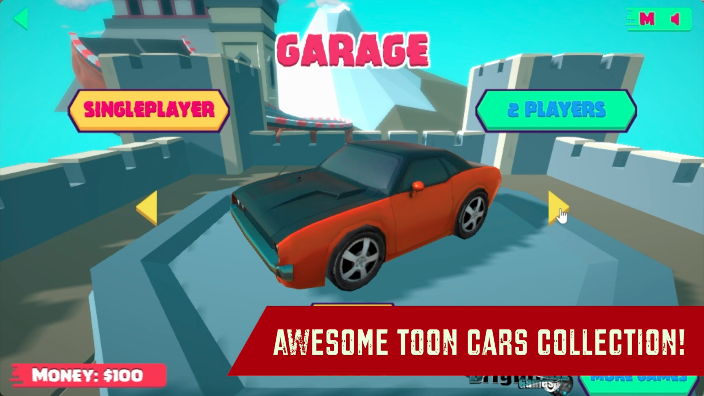
You can browse all the cars by clicking the arrow buttons on the right and left of the screen in pink color. (marked by red arrow)
-
You can also buy the locked cars by clicking on the "BUY’ button in yellow. (marked by the blue arrow)
-
After that, the car currently on the screen is your selected car, which you can confirm by clicking on the ’NEXT’ button. (marked by red arrow)
Level Selection
-
You can select the difficulty of the race by clicking on the hexagon under the difficulty text. The hexagon will turn yellow after the selection is done. (marked by the blue arrow)
-
The current level/race will be shown as a yellow hexagon shape with numeric text on it. (marked by red arrow) All the locked races will have a locked image on them and all the completed races will have a green color hexagon with a numeric value on it.
-
Click on the yellow hexagon button to start the race.
That’s it, you’re all set to start racing through the exotic locations.
How does the 2 Player Mode work in the game?
-
When you’re at the car selection screen. Click on the ’2 PLAYERS’ button on the CENTER RIGHT of the screen to start the selection. (marked by red arrow)
Player 1 Car Selection
-
The Player 1 car selection button is below the car at the BOTTOM LEFT side of the car. (marked by red arrow) This means you can start the car selection for player 1.
-
Browse through all the car selections by yellow arrows on the left and right sides of the screen. Whichever car, you see on the screen is your current selection. (marked by the blue arrow)
-
To confirm the selection, click on the ’NEXT’ button to proceed with the car selection for PLAYER 2.
Player 2 Car Selection
-
The car selection will automatically shift to Player 2. (marked by the red arrow)
-
Browse through all the car selections by yellow arrows on the left and right sides of the screen. Whichever car, you see on the screen is your current selection. (marked by the blue arrow)
-
To confirm the selection, click on the ’NEXT’ button to proceed to the LEVEL SELECTION. Which is exactly similar to the LEVEL SELECTION of SINGLEPLAYER.
FAQs
Is there any Nitro/Boost system in the game?
There is no Nitro/Boost system in this game.
Is there any difference between the cars in this game?
Yes, all the locked cars have higher top speeds as compared to the unlocked ones.
Which is the best racing game on the web?
The best racing game on the web currently has to be Real Cars Extreme Racing. With a huge car collection and detailed customization and upgrade options.
Which is the fastest car in the game?
The fastest car in the game is the 2018 Bugatti Chiron. You can unlock this car for 7,500 CR.
How to save progress in this game?
The game progress is saved in the browser cache. Make sure you don’t delete the browsing data or cache. Otherwise, You could lose out on all the game progress.
Gameplay
Screenshots
Similar/Alternative Games
-
City Car Stunt 4: Similar Concept and 2 players but with realistic graphics and gameplay.
-
Real Cars In City: Racing on a sky-high race track and exploring many game modes.
-
Two Punk Racing 2: Realistic graphics with cool customization and 2-player mode.