
Speed Moto Racing
Description
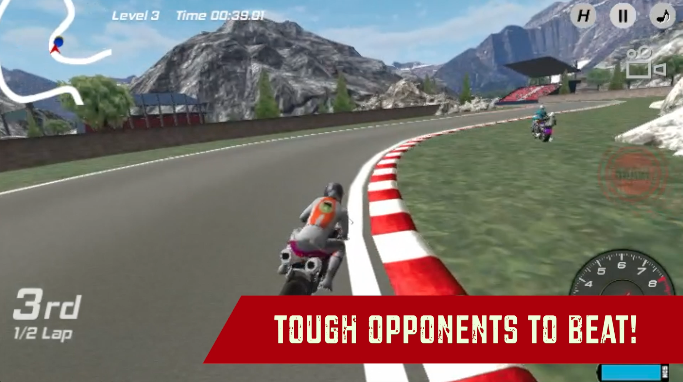
Throttle those engines and get ready to compete in 20 challenging races across the city in this fantastic 3D Bike Racing game. Level up as a biker and unlock 4 cool bikes to complete the collection. Customize your bikes with cool color options and ride in style through the races. Dodge your opponents far back and take the lead with the realistic bike physics of this game. Beware of crashing, it will slow you down significantly during the race, however, you will see the ragdoll system of your biker. Speed up on your opponents with the awesome replenishing Nitro/Boost feature. Are you ready to rule the race tracks with your bike? Prove yourself as a worthy biker in Speed Moto Racing!
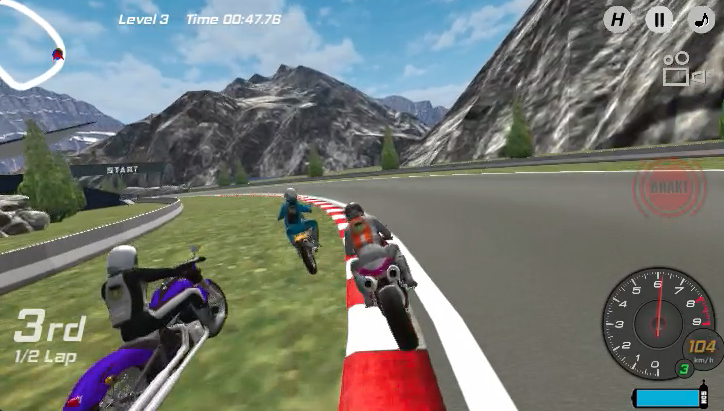
Our Take On The Game!
Speed Moto Racing is a decent game with good graphics and quite fun gameplay. However, all races have a different version of the same race track look. we believe there should’ve been more variety of tracks to race on. That being said, The AI opponents get harder to beat as you level up in races.
Speaking of Bike racing games, check out our favorite bike racing game Super Bike The Champion on MotorHeads.com. Represent a crew and race in professional motorbike racing. There are 12 racing levels for you to complete. You can also play with the awesome the first-person POV of the rider and get the best racing experience possible.
How to play and get started with Speed Moto Racing?
Controls
-
Arrow Keys/W,A,S,D: Throttle/Steer/Brake
-
Ctrl key: Nitro/Boost
Objective
The game is a level-based racing game with up to 10 races in each game mode - TIME TRIAL and RACING. The next race only unlocks when you finish in the first position in the race.
-
TIME TRIAL: Complete the lap as soon as possible and create your fastest time for each level. Remember every time you go out of the track road you will get a penalty time added to your Total Lap Time.
-
RACING: Compete with tough racing opponents and reach the finish line first.
NOTE: Use NITRO to speed up when you feel the bike is getting slow or if you want an edge over your opponents.
Starting The Game!
-
Click on the ’PLAY’ button in white located at the BOTTOM RIGHT of the screen. (marked by red arrow)

-
Click on the ’NEXT’ button in white located at the BOTTOM RIGHT of the screen to BIKE SELECTION. (marked by red arrow)
Bike Selection
-
Browse through all the bikes with the arrow buttons in white located at the left and right of the bike. (marked by blue arrows)
-
Click on the ’BUY’ button in yellow color at the BOTTOM RIGHT to buy the bike. (marked by red arrow)
-
Click on the ’NEXT’ button to proceed to level selection. (marked by red arrow) However, there are also, customization options on BIKE SELECTION. (discussed below)
Customization Options
Customization options in the game are all free for all the bikes.
-
You can access the color customization screen on the TOP of the BIKE SELECTION screen. (marked by red arrow)
-
Click on the specific color to apply it to your bike body. (marked by the blue arrow)
Racing Mode Selection
-
Click on the either ’RACING’ or ’TIME TRIAL’ race type button to proceed to level selection. (marked by red arrow)
Level Selection
-
All the locked races are represented by a black blur image with a locked image on top. (marked by the blue arrow)
-
All the unlocked races do not have a black blur image on top and you can see the race track image. (marked by red arrow) Click on it to start the race.
-
You can browse through all the levels by clicking on the white arrows located at the left and right of the screen. (marked by blue arrows)
That’s all there is to it, you’re all set to start your career as a biker.
FAQs
Is there any difference between the bikes?
No, there is no difference between the bikes in this game.
Are there any upgrade options available for the bikes?
No, there are no upgrade options available for the bikes.
Which is the best bike racing game on the web?
The best bike racing game on the web is Super Bike The Champion on MotorHeads.com. There are 12 racing levels for you to complete and you can represent a crew of your choice in the world of professional bike racing.
Who made Speed Moto Racing?
This game is developed by VitalityGames. Check out their hit game Cartoon Mini Racing on MotorHeads.com. There are more than 10 cars for you to unlock and awesome AI opponents to beat in 30 races.
How to save progress in this game?
The game data is saved in the browser cache. Make sure you don’t delete the browser cache or data. Otherwise, you could lose out on all the game progress made in the process.
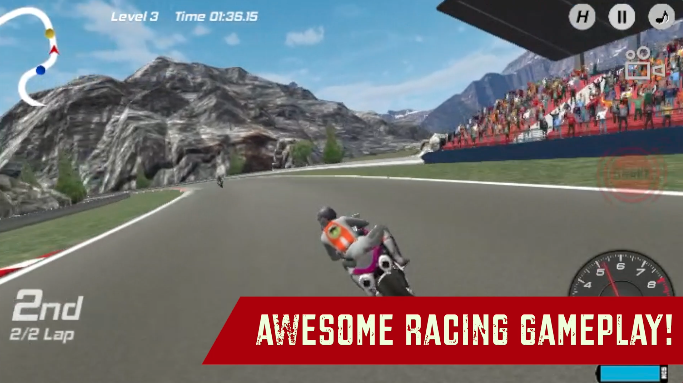
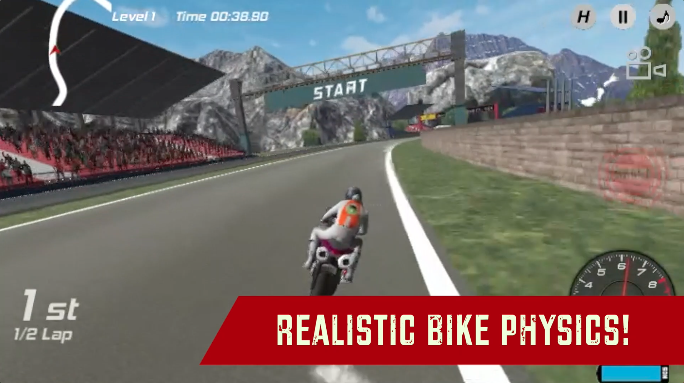
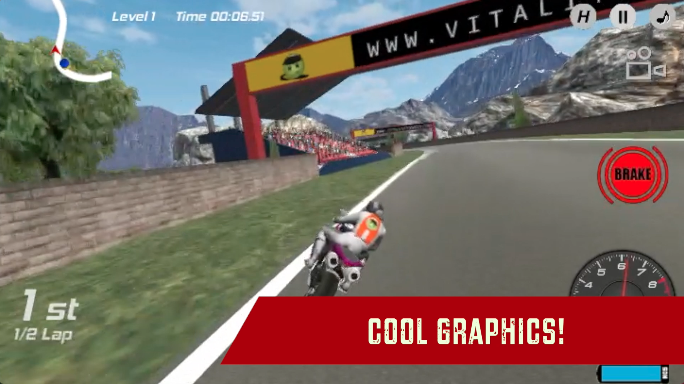
Gameplay
Screenshots

Similar/Alternative Games
-
Two Bike Stunts: Race and make stunts in this cool bike game. Great graphics and gameplay.
-
Fury Bike Rider: Explore the crazy game modes in this complete motorcycle game. Stunning bikes and physics.
-
Super Bike The Champion: Similar concept but with better physics and gameplay.