
UnPark Me
Description
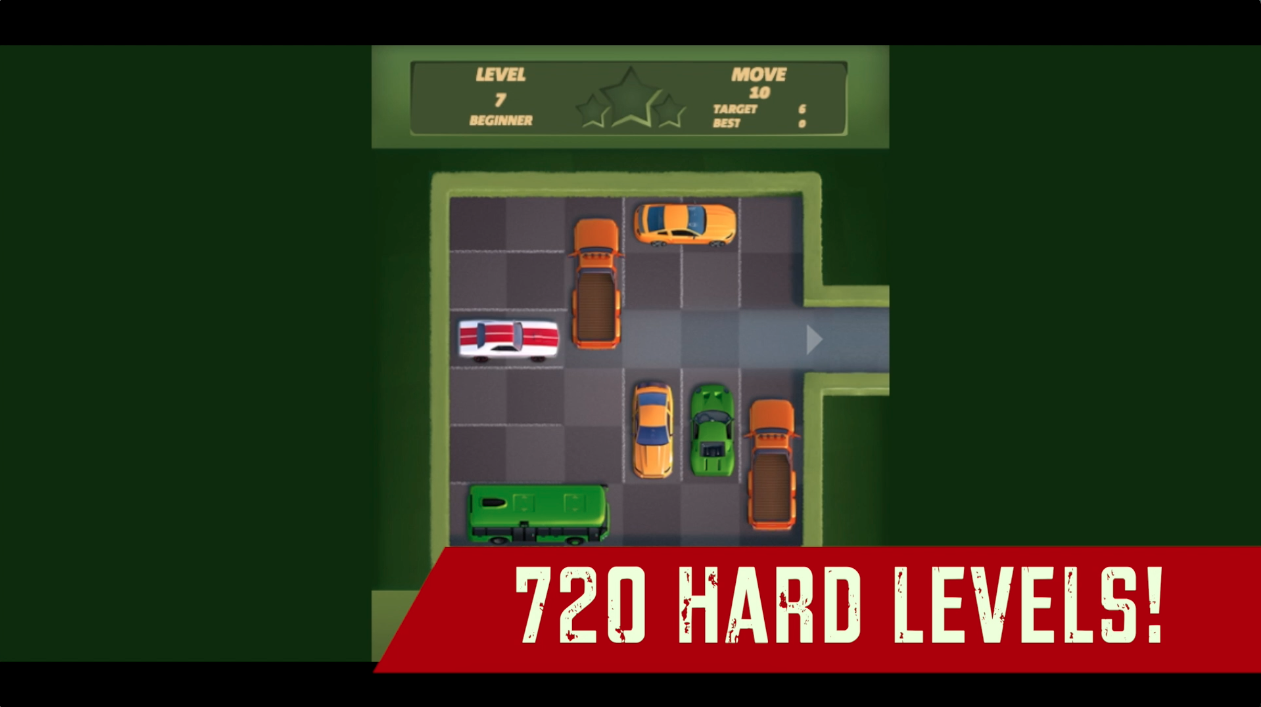
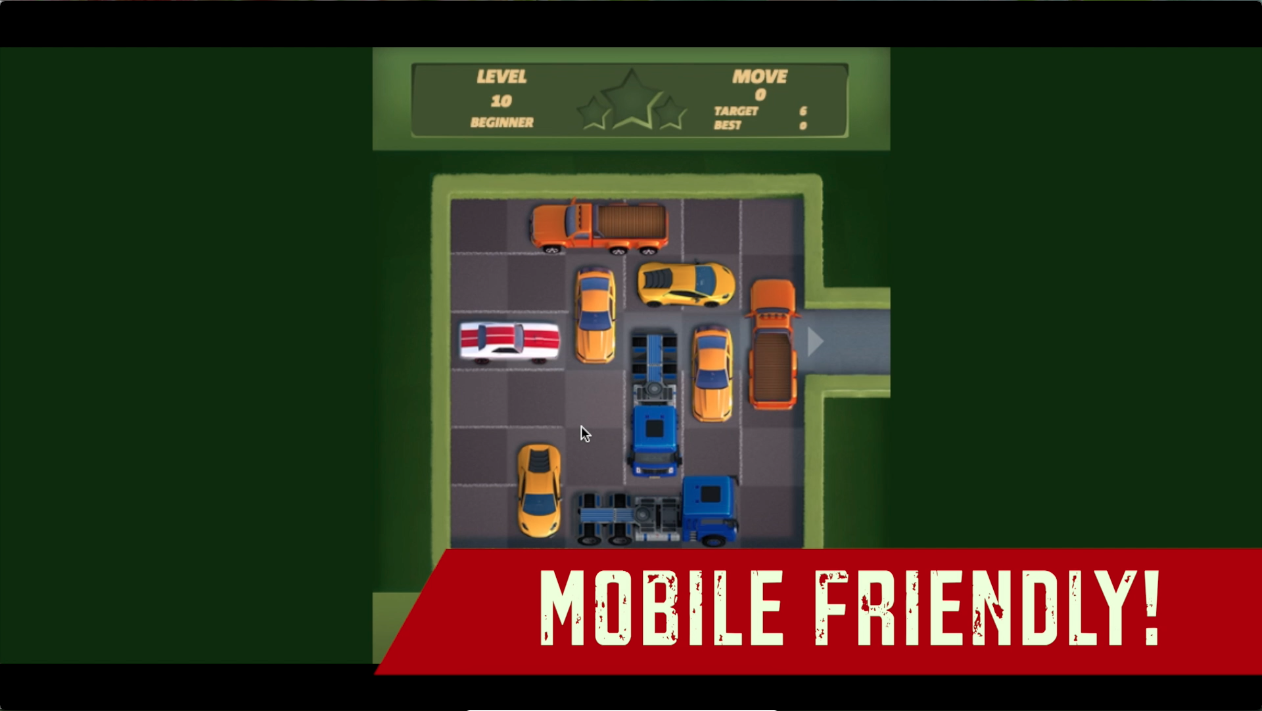
Get your car out of a 2D parking lot by sliding other cars that are blocking your way to escape in as low moves as possibly can in this 2D Car puzzle game. Complete whopping 720 parking puzzles categorized from Beginners to Expert and show your strategic skills on the lot. Make the parked vehicles get out of your car’s way with the simple slide controls featured in the game, however, the game will test your presence of mind on the lot with the progressively hard gameplay of this game. Strategize what car you need to slide to get 3 stars on all levels by using as low moves as you can. With mobile compatibility of this game, you can play this game anytime and anywhere. Are you ready to prove your strategic skills? Prove yourself with UnPark Me!
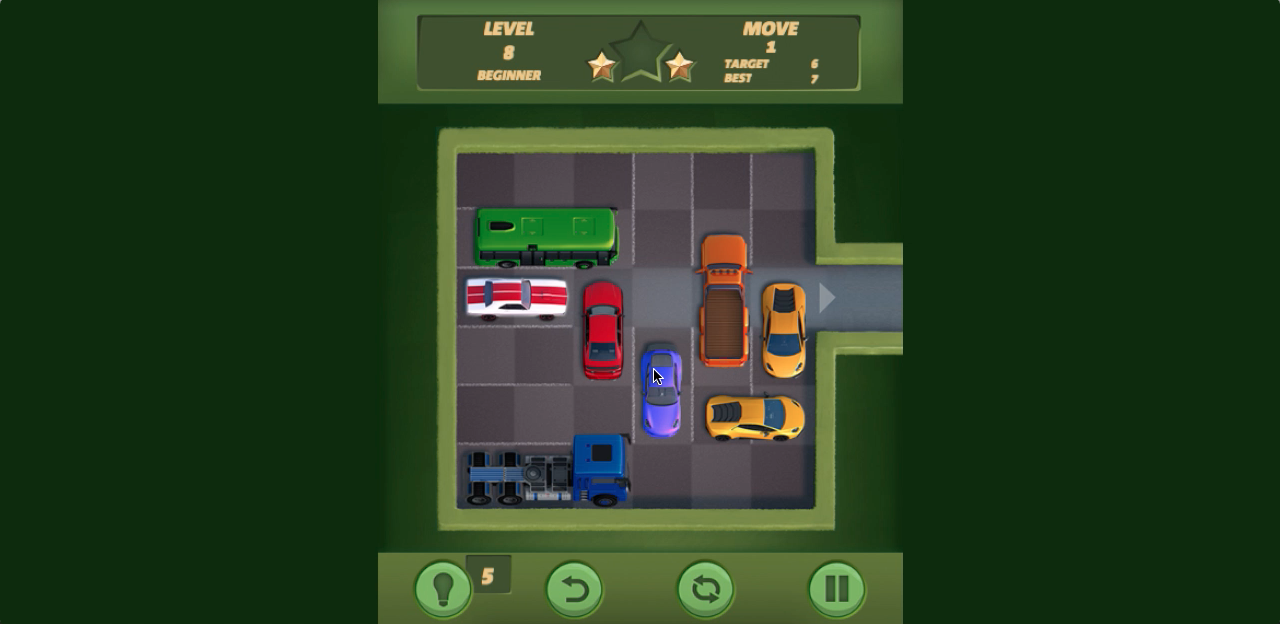
Our Take On The Game!
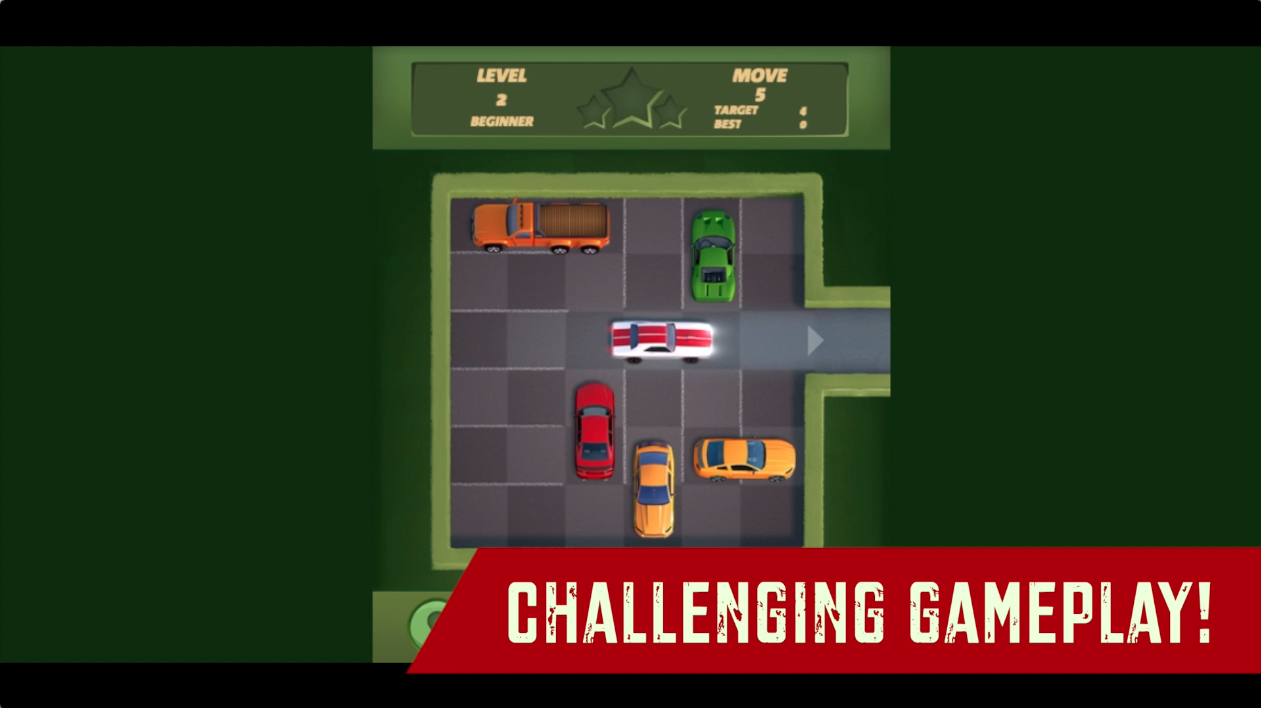
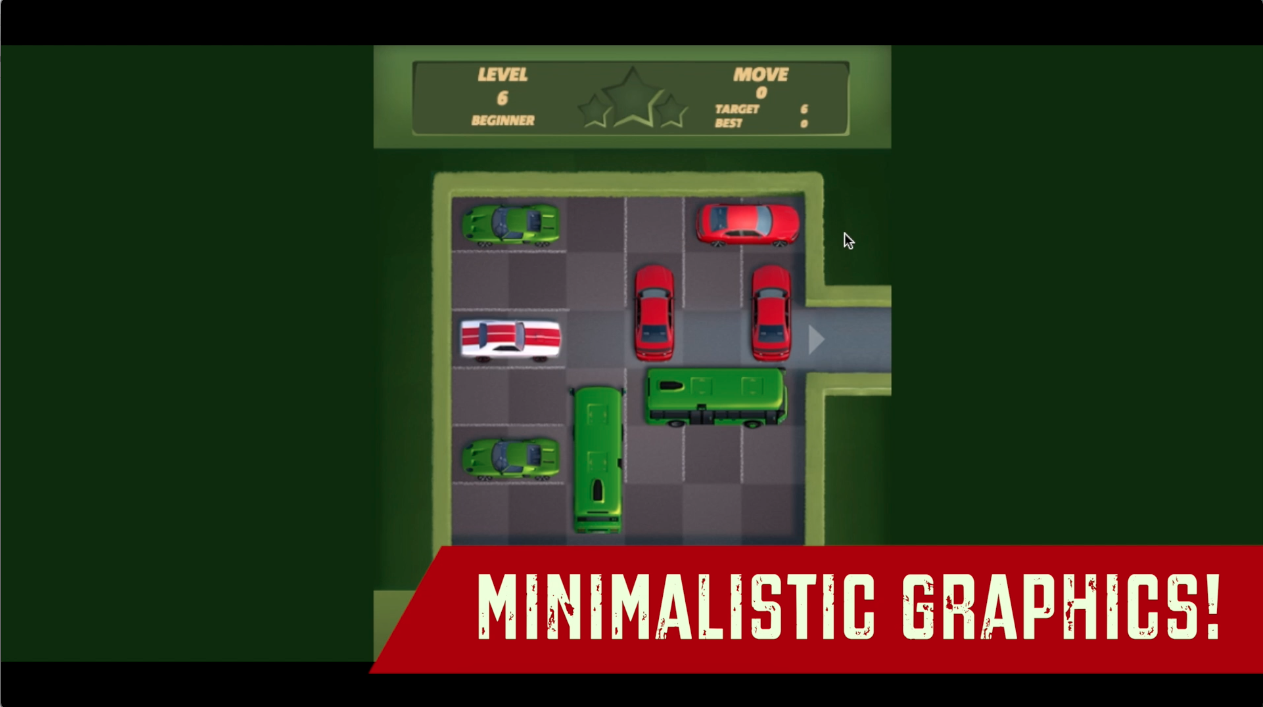
UnPark Me is a great car puzzle game with a huge collection of well-thought-out puzzles you can complete. The 2D graphics are very well designed and the cars don’t look out of place on the lot. We recommend checking the Target moves you get for each level and trying to complete the puzzle within those moves to get 3 stars in all the levels.
If you’re looking for another cool tangled car parking game then check out Parking Escape on MotorHeads.com! It has up to 100 well-thought-out challenging puzzles for you to complete with great 3d graphics and really addictive gameplay. Also, there are no target moves to limit you or time to beat at any level. So, you could take your time with all the levels.
How to play and get started UnPark Me?
Controls
-
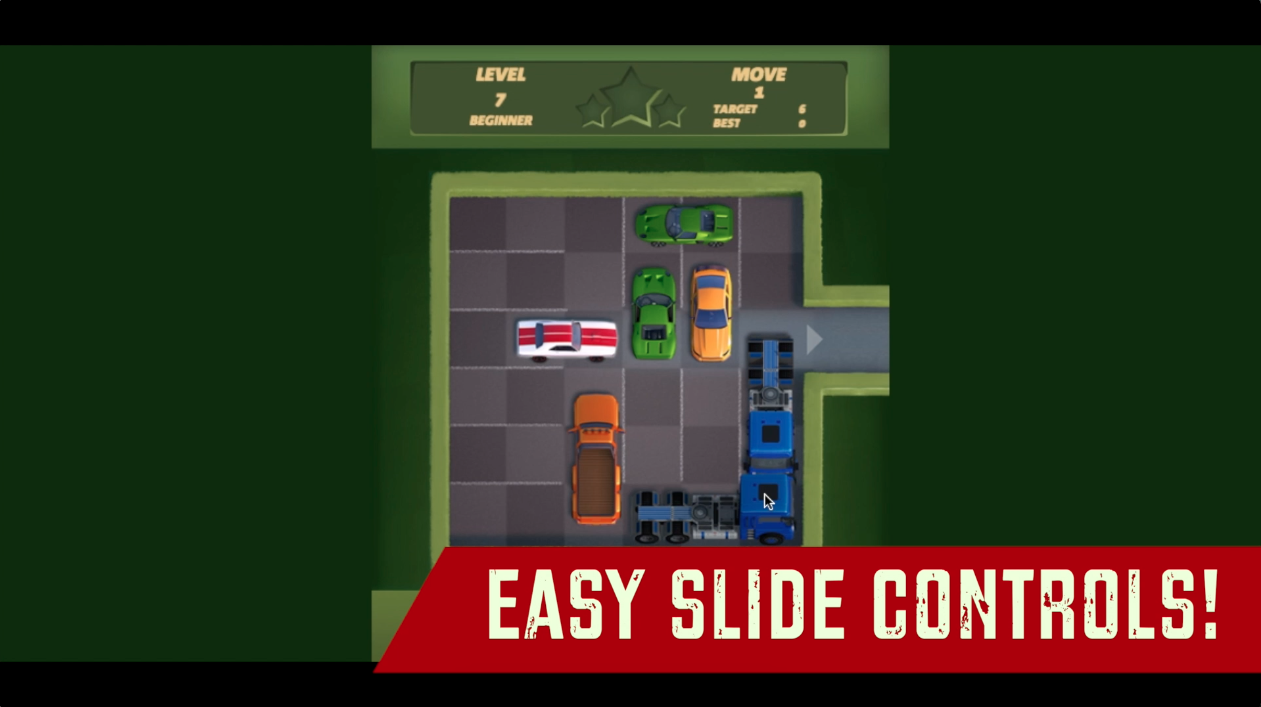
Mobile/Web: Slide your finger/mouse on the car you want to move.
Objective
UnPark Me is a level-based game with 720 levels categorized in terms of difficulty from BEGINNER to EXPERT. Though the objective is simple, slide your car out of the parking lot in given target moves. As you progress in the game, each level becomes harder to solve and you will really have to put your strategic skills to the test. You must be efficient with your target moves to get a three-stars in all the levels.
NOTE: You can use hints for a reward ad if you are stuck on a level.
Starting The Game!
-
Click on the ’TAP TO CONTINUE’ button in green to start the game. (marked by red arrow)

-
Click on the ’PLAY’ button to start your current unlocked level. (marked by red arrow) This button will immediately start the level puzzle.
Level Selection
The game gives you access to all the levels in a categorized form, so you can come back to any level and get that perfect 3 stars in all the levels.
-
Click on the ’LEVEL’ button at the BOTTOM of the screen to proceed to level selection. (marked by red arrow)
-
Your currently unlocked difficult category button is highlighted in green color. Click on it to access the unlocked levels you have completed or have unlocked. (marked by red arrow)
-
All the locked difficulty categories are represented in red color. You can unlock these categories by getting the stars needed to unlock that particular difficulty category. (marked by the blue arrow)
-
All your current unlocked levels will be represented by a red button with 3 stars to get at the bottom of each level button. (marked by red arrow)
-
All the locked levels will be represented in grey color. (marked by blue arrow)
Gameplay Navigation
-
Your current number of moves and target moves for the levels are at the TOP RIGHT of the play screen. (marked by red arrow)
-
Click on the ’HINT’ button located at the BOTTOM LEFT of the play screen to help you in a difficult situation. (marked by blue arrow)
-
You can reset the level by clicking on the ’RESET’ icon button in green located at the BOTTOM CENTER of the play screen. (marked by blue arrow)
-
You can also undo your last move by clicking on the ’UNDO’ button located at the left of the RESET button at the BOTTOM of the play screen. (marked by red arrow)
That’s all there is to it! You’re all set to show your strategic brain on the lot!
FAQs
Is there any help or hint provided during the levels?
Yes, there is a hint system in the game that you can use to pass the whole level with a single token. However, there are only a handful of hints you could use, you will have to collect a ton of these hint tokens to use them freely. The only way to get hint tokens is to solve these puzzles.
Which is the best parking puzzle on the web?
There are not a lot of parking puzzles on the web, however, you can check out Parking Escape on MotorHeads.com! It has 100 3d levels for you to complete and great toon graphics with polished animations that will keep you hooked to the screen for hours.
Who developed this game?
This game is developed by InLogic Games. Check out their hit drag racing game Drag Racing Rivals on MotorHeads.com!
Are there any cheat codes for this game?
We could not find any relevant cheat codes for this game. As there is no money/cash system in the game. The only way to progress in the game is to solve puzzles and get perfect 3 stars on all levels.
How to save the game progress in this game?
The game data is saved in the browser cache. Make sure you don’t delete the browser cache or data. Otherwise, You can lose all the game progress in the process.
Gameplay
Screenshots
Similar/Alternative Games
-
Parking Escape: Cute toon graphics and similar concept.
-
Crazy Drift: Make crazy drifts and collect points to complete levels. 2D graphics and gameplay.