
SUV Snow Driving 3D
Description
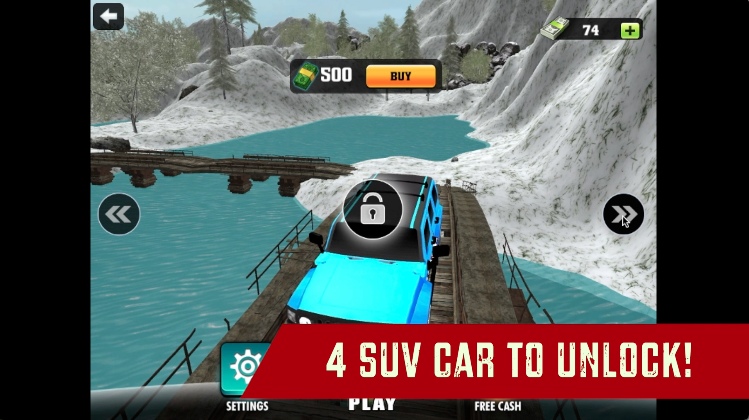
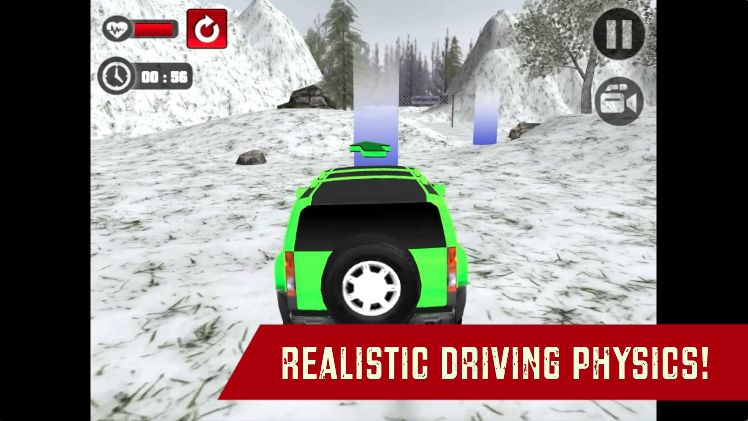
Get behind the wheels of heavy-duty SUVs and skid your way through 15 Checkpoint Levels to reach the finish line through the detailed snowy tracks in this 3D SUV racing game. Unlock 4 SUVs and complete the collection. Show how well you can steer the SUVs through the slippery snow roadways with this game’s Realistic Car Physics. Perfect your driving skills in the expansive Free Roam map and level up as a driver. Are you ready to show your driving skills through the snow tracks? Prove yourself with SUV Snow Driving 3D!
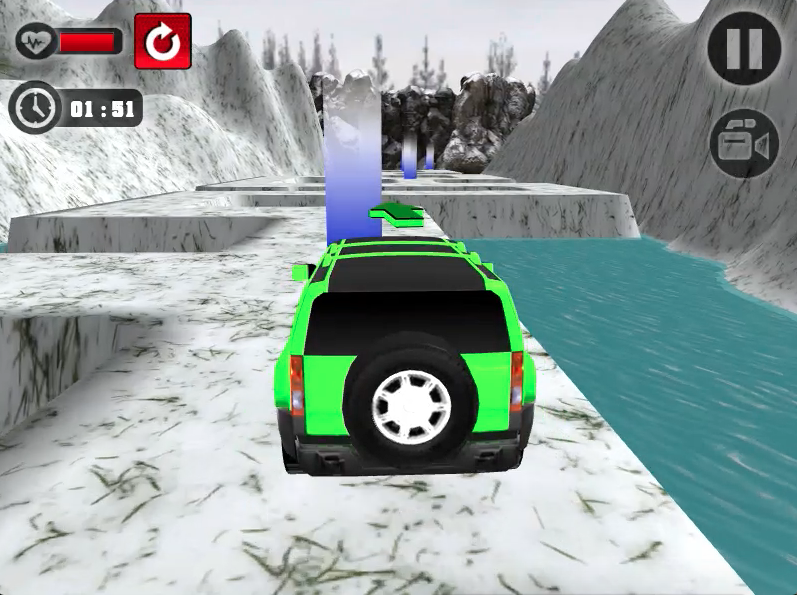
SUV Snow Driving 3D is a decent SUV driving simulator, the levels are quite hard and well thought-out. The driving physics of the game is pretty realistic and the cars behave quite responsive, however, the game only features 3 SUVs to unlock with no customization and upgrade options. These features would’ve been a great addition to the game. The game does however have realistic pricing for the 3 SUVs and you can unlock them all fairly quickly.
If you’re looking to drive the fastest SUVs ever made through a huge city map without any restrictions then definitely check out Super SUV Driving on MotorHeads.com! It features 5 amazing real-life super SUVs that you can drive through a massive free-roam map and reach the max speed possible without any police on your tail.
How to play and get started with SUV Snow Driving 3D?
Controls
W,A,S,D/Arrow Keys: Drive/Steer/Brake
Objective
This game is a level-based checkpoint racing game. There are 2 game modes for you to play in this game LEVELS and FREE ROAM. Let’s discuss what you can do in both game modes:
-
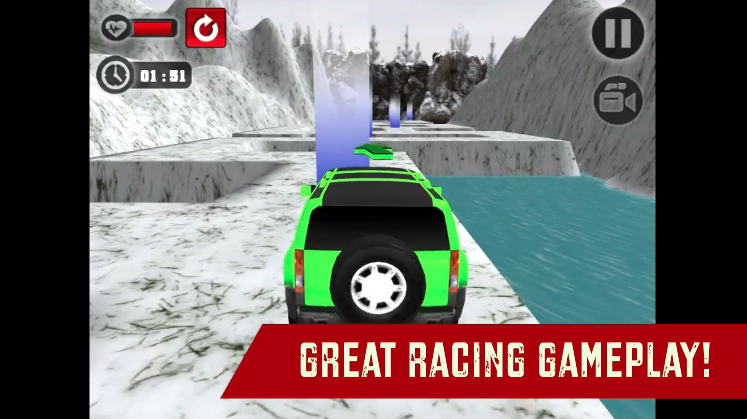
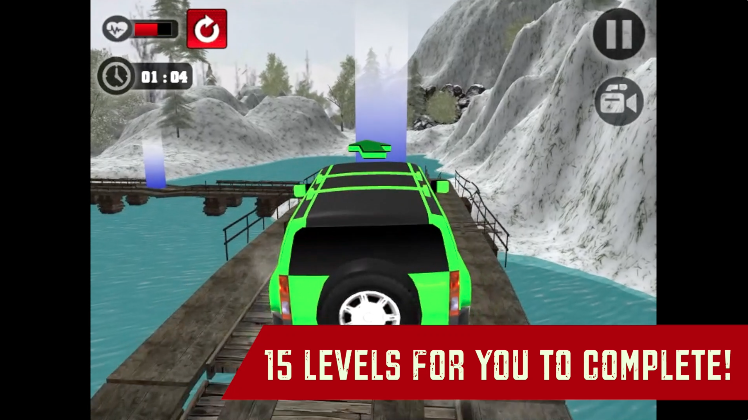
LEVELS MODE: Drive your SUV through the bumpy snow tracks and collect all the checkpoints as you reach the finish line before the timer goes up. There are 15 levels for you to complete in this game mode.
-
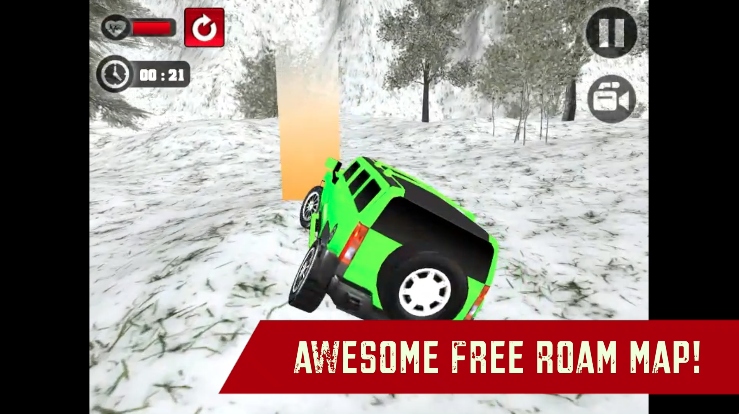
FREE MODE: Drive your SUV car through the huge snow free-roam map and practice perfecting your driving skills through the snowy tracks. You also get access to all the SUVs in this game mode.
Starting The Game!
-
Click on the ’PLAY’ icon button in green at the CENTER BOTTOM of the screen. (marked by red arrow)

Car Selection
-
You can browse through all the SUVs/Cars with the arrows in the black circles located at the RIGHT and LEFT of the screen. (marked by the blue arrow)
-
Click on the ’BUY’ button in orange located at the TOP CENTER to buy the SUV car. (marked by red arrow)
-
When you’ve made your selection of the car, click on the ’PLAY’ in green located at eh BOTTOM CENTER of the screen. (marked by red arrow)
Mode Selection
-
Click on any of the Mode Image/Buttons located at the RIGHT(FREE MODE) and LEFT(LEVELS MODE) of the screen. (marked by red arrows)
-
Clicking on ’FREE MODE’ will instantly start a FREE ROAM session. However, clicking ’LEVELS MODE’ will proceed to the Level Selection screen.
Level Selection
-
Your current level will be represented by a Blue button with a numeric value. (marked by red arrow) All the locked levels will be represented by gray color and a locked image on top of the level value. (marked by the blue arrow)
-
Click on the blue button to start the level.
Free Roam Navigation
The game lets you drive around in all the SUVs in the game. You can access all the SUVs by triggering the colorful checkpoint trigger located at random spots of the FREE-ROAM level. (shown below)
-
Drive into the color trigger (green color) located on the snow map to spawn a different SUV. (marked by red arrow)
-
Free roam session ends when you lose your health in the SUV. The health bar is located at the TOP LEFT. (marked by red arrow)
That’s all there is to it! You’re all set to drive through the snowy tracks.
FAQs
Is there any difference between the cars in terms of driving?
No, there is no difference between the cars in terms of driving behavior. The SUVs have different car body skins on them that’s the only difference.
Is there an upgrade or customization option for the cars?
No, there are no customization or upgrade options available for any cars in Super SUV Driving.
Who developed SUV Snow Driving 3D?
This game is developed by Great Games. Check out their hit bike racing game Moto Road Rash 3D on MotorHeads.com for awesome first-person highway racing action.
How do save progress in the game?
The game data is saved in the browser cache. Make sure you don’t delete the browser cache or data. Otherwise, You could lose out on all the game progress in the process.
Gameplay
Screenshots
Similar/Alternative Games
-
Lambo Drifter 3: Same game mechanics and gameplay but with Lamborghinis.
-
Evo City Driving: Drive around the city in stunning supercars. Cool graphics and gameplay.
-
Drift Torque: Lightweight drift game. Amazing vibrant graphics and gameplay.