
Super Star Car
Description
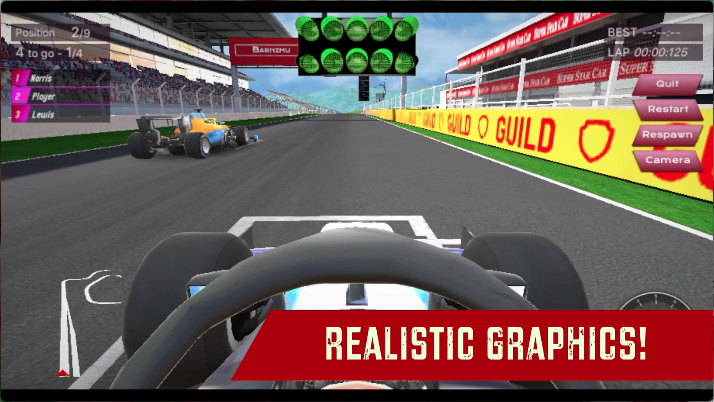
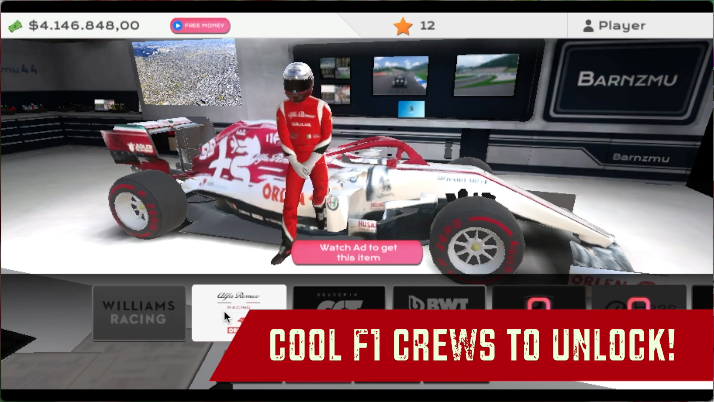
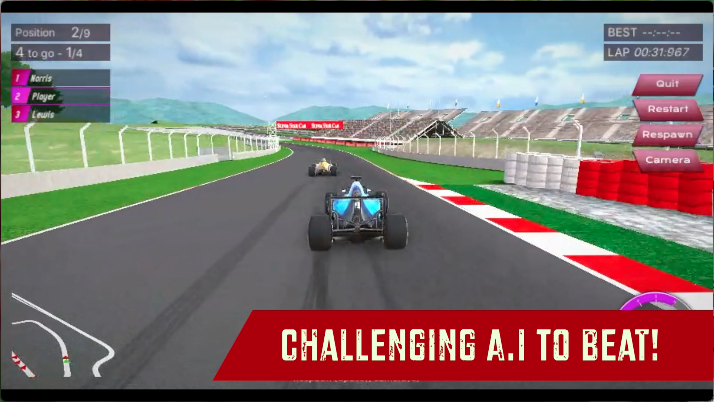
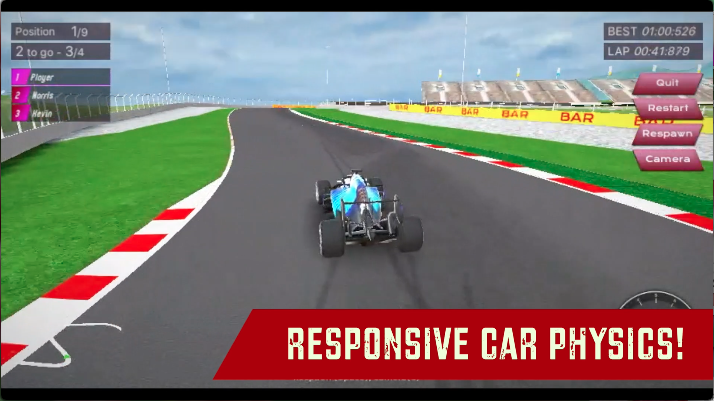
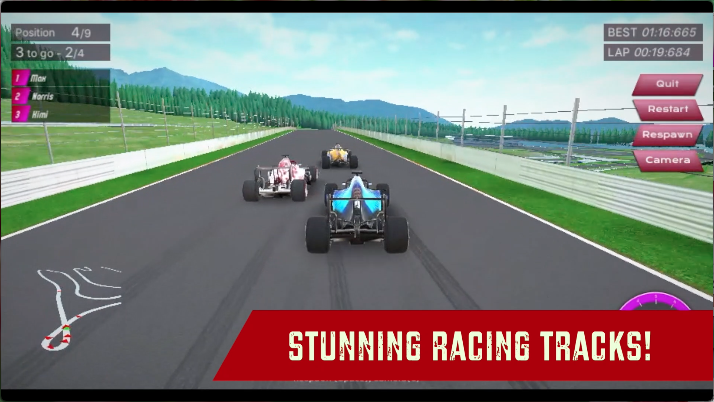
Get behind the wheels of an F1 car and show your driving skills on the tracks with Super Star Car. In this game, you get to experience what goes on behind the scenes in the life of a professional racer. Complete 14 tough races and become the best f1 racer in your country. When you win a race, you get some big bucks that you can spend by changing your crew to a better one from 9 different crews and representing them with their personalized F1 car. The game has stunning graphics quality and a detailed interior view of the F1 which makes it super immersive and realistic. Super Star Car supports Xbox controllers. The car physics is quite responsive and the AI is quite challenging. Are you ready to show how you drive in high-octane races? Become the best racer in your city with Super Star Car!
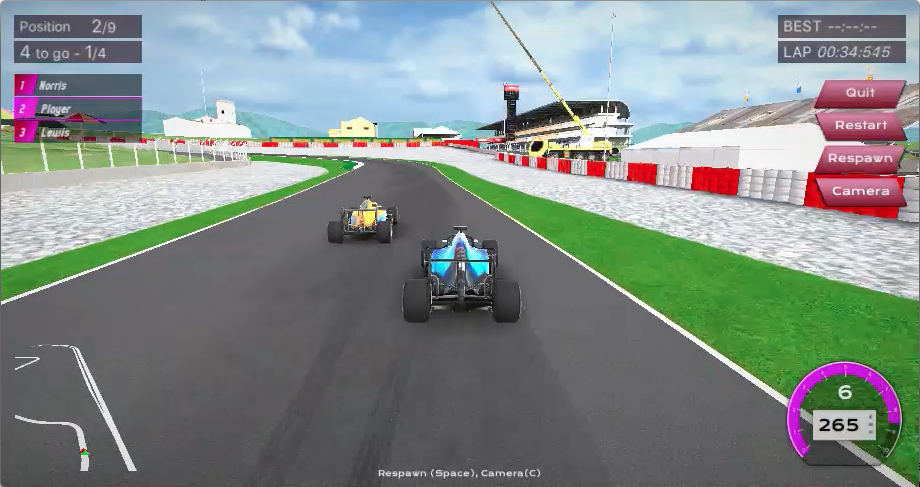
Our Take On The Game!
Super Star Car is considered the best f1 racing game on the web, and rightfully so, with the fantastic visuals and great f1 racing physics with arcade-style steering will get you started easily, However, watch out for the AI racers, they are quite intelligent and might push you off the roads. You can use the awesome first person camera to get a wide view of the track and it’ll be great for beginners as you’ll have more time to steer in interior view.
How to get started and get started with Super Star Car?
Controls
Keyboard Controls:
-
W or up arrow: Accelerate
-
AD or left and right arrow keys: Steer
-
C: change camera view
-
Spacebar: Respawn position
Xbox Controls:
-
Use ’Left Joystick’ to steer the car.
-
Press ’A’ to accelerate the car.
-
Press ’X’ to apply brakes to the car.
Objective
Super Star Car is a level-based racing game. There are 14 circuit races for you to complete across the city. You get to unlock the next race only when you finish the race in the first 3 spots. All the races are quite long and your driving skills are really tested if you’re defending the first position or chasing it due to the super challenging AI. We recommend staying on the road as you slow down tremendously when you drive in the grass and racing curbs. Every time you complete a race at 1st position, you get cash and stars that will help you unlock new tracks and car crews in the game.
Starting The Game!
-
Click on the ’CAREER’ button (marked by red arrow) to get started with level selection.

Level Selection
-
Click on the pointing down triangle to start your current unlocked race. (marked by arrow)
-
All other locked races will be represented by a pink lock image. (marked by the blue arrow)
-
When you click on the current race triangle, you will get to see the racing track the current race will be held in. (marked by red arrow) Click on the white panel to proceed.
-
After you click on the white panel, you will see the details for the race that you’re about to compete in. Click on ’READY’ to start the race. (marked by red arrow)
Car Selection
There are no different F1 cars in the game. However, the game has different crews that you can spend your big bucks on. There is no difference in the F1 car when you switch crews, so you can drive with the default F1 car without any problems in the game. Changing crews will change your F1 car with a custom skin of that crew and a new racing suit for your driver.
-
Click on the ’CUSTOMIZE’ button to get started picking cars. (marked by red arrow)
-
You can slide through all the cars by sliding the panel in black left and right. (marked by red arrow). To make a selection of a car click on the crew name.
-
You can buy the car or watch an ad to unlock the car by clicking on the pink button in the middle of the car.(marked by blue arrow)
You’re all set to start driving in the professional racing leagues.
How to play with a controller in Super Star Car?
You can plug in your Xbox controller to your laptop or PC and start driving. However, only the driving aspect of the car is supported and you will have to navigate through the menu with your mouse and keyboard. (image below)
-
Use ’Left Joystick’ to steer the car.
-
Press ’A’ to accelerate the car.
-
Press ’X’ to apply brakes to the car.
FAQs
Is there any car behavior change when you customize the F1?
Customization is only applied to your F1 car body and the driver. There is no car behavior change when you apply customization on your F1 car.
Is there any Boost/Nitro in the game?
No, there is no Nitro/Boost in the game. However, you won’t feel the need for it as you see how fast the F1 car can drive.
Who developed Super Star Car?
Super Star Car is developed by the very talented Barnzmu. You can also check out their bike game Super Bike The Champion on MotorHeads.com!
When was Super Star Car released?
Super Star Car was released in April 2021.
Are there any cheat codes in Super Star Car?
No, there are no cheat codes for Super Star Car.
Gameplay
Screenshots
Similar/Alternative Games
-
3D Formula Racing: Make the fastest lap and beat the leaderboard scores. Cool graphics but lack events and a racing system.
-
Real Cars In City: Complete 6 racing modes and unlock all cars. Awesome graphics and really fast gameplay.
-
City Car Driver: Tons of driving events to complete, minimalistic graphics, and a decent collection of cars to unlock.